A calm planner for iPhone

Get it out of your head, so your mind can relax.

Not everything needs doing today. Put each task on a day, and let the rest wait calmly.

Download i see, i do on the App Store

Free · No account needed · Your tasks stay on your phone

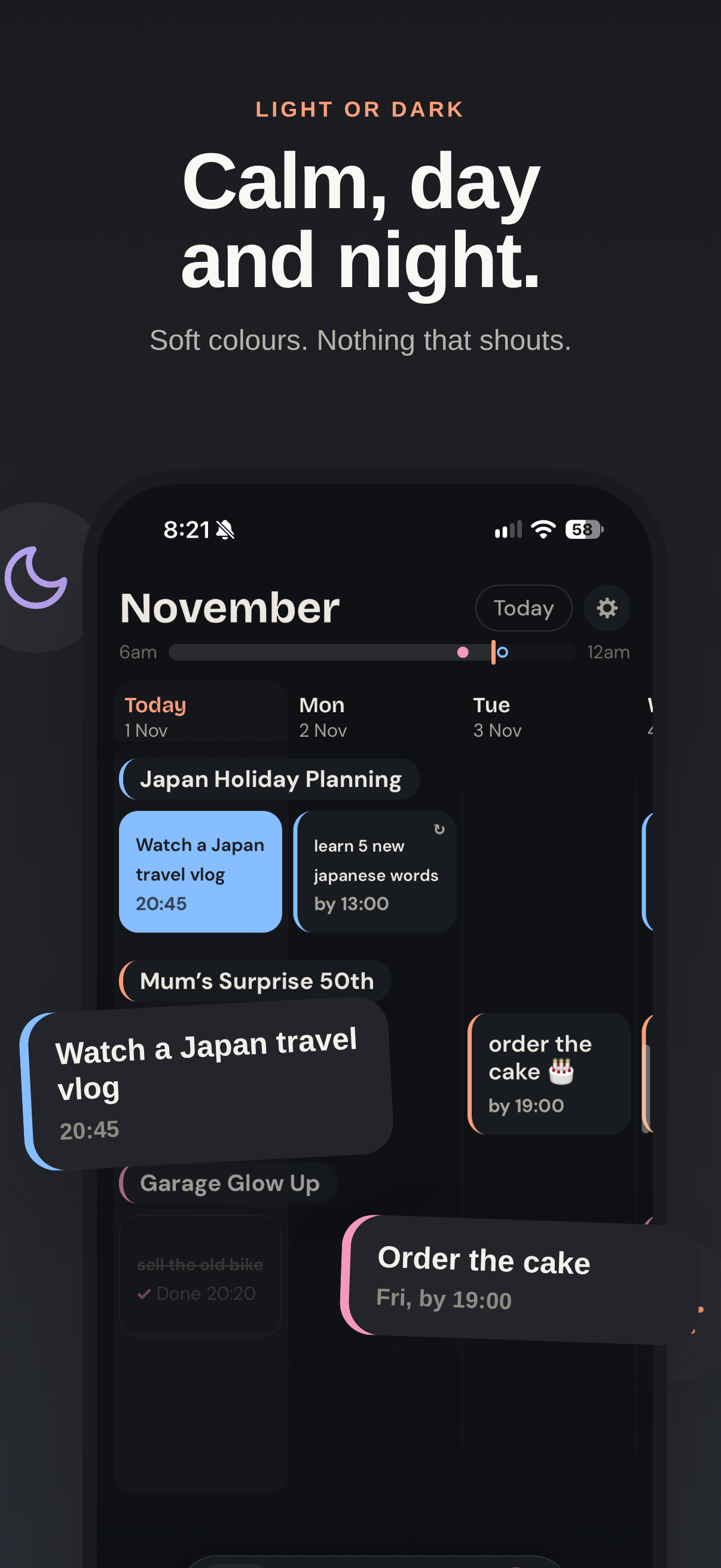
App Store screenshot of i see, i do, “Calm, day and night.”: the Timeline in dark mode, with projects like Japan Holiday Planning and Mum’s Surprise 50th in their own coloured lanes and tasks on today, Monday and Tuesday

What it does

Timeline

See every project on one calm timeline.

Each project gets its own coloured lane. Tasks sit on the day they belong to, so you can see what's coming without carrying it all in your head.
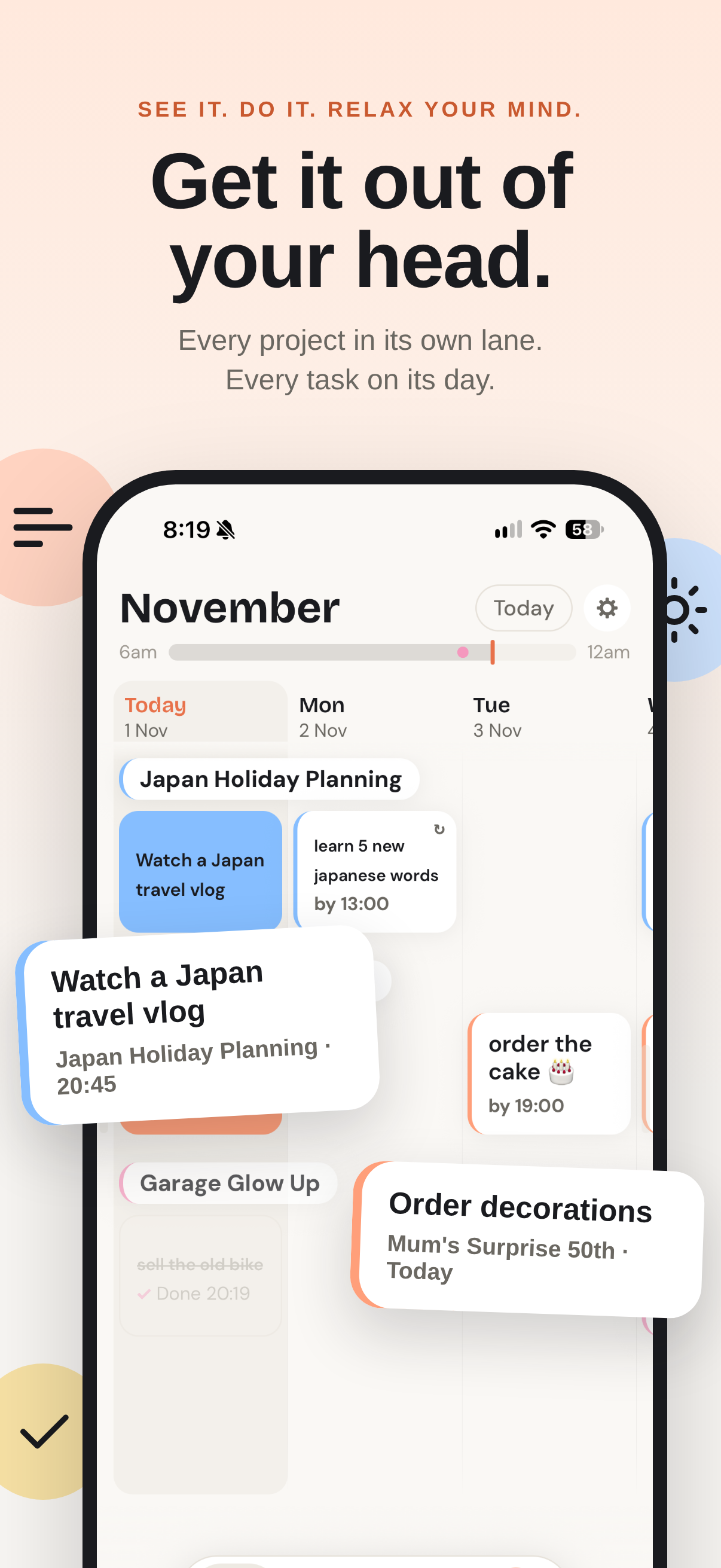
App Store screenshot, “Get it out of your head.”: the Timeline in November, with projects like Japan Holiday Planning and Mum’s Surprise 50th in their own coloured lanes and tasks on today, Monday and Tuesday

Voice capture

Say it, and it lands on the right day.

“Call the dentist Thursday at 10.” Speak a task the moment you think of it, and it goes straight onto your plan with its day and time.
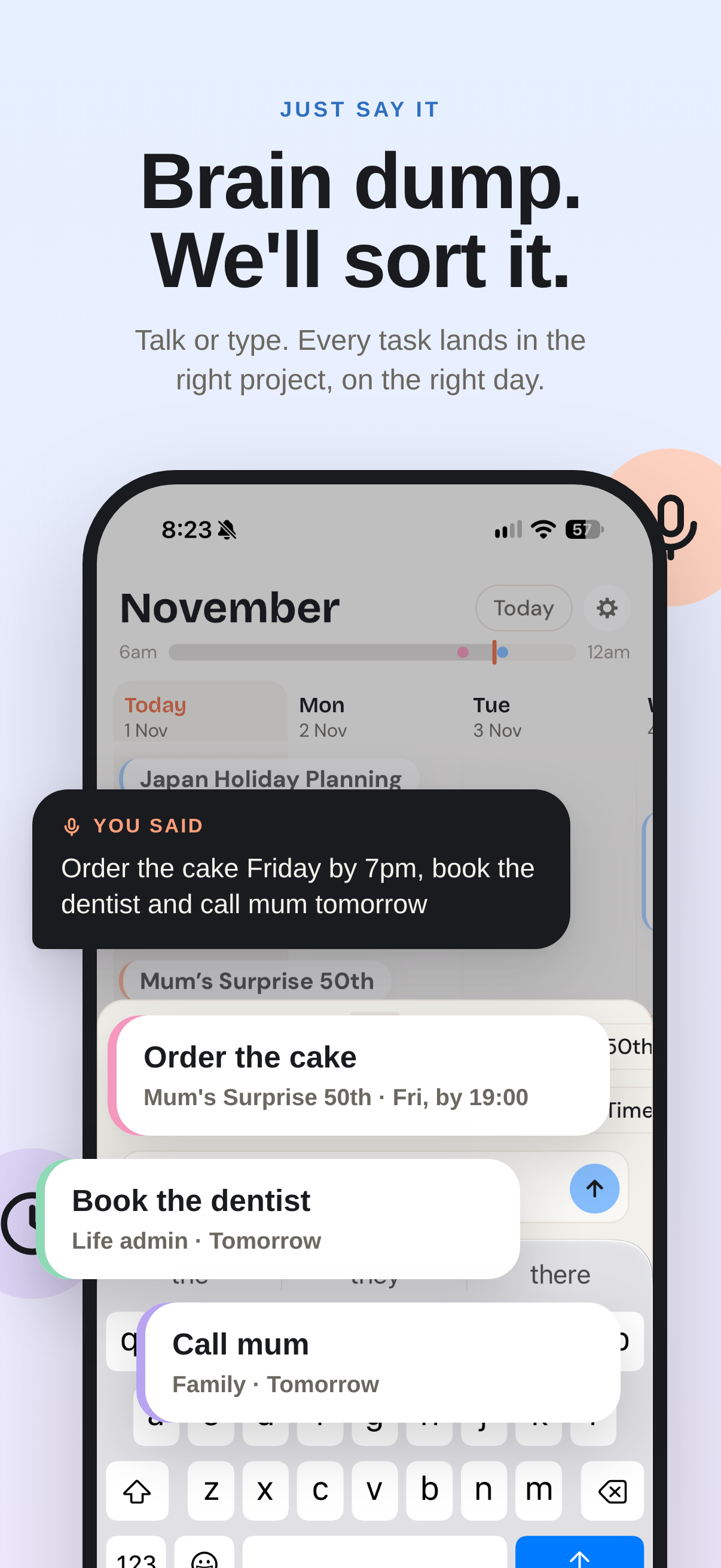
App Store screenshot, “Brain dump. We’ll sort it.”: a spoken sentence, “Order the cake Friday by 7pm, book the dentist and call mum tomorrow”, turned into three tasks, each with its project and day

Eat the Frog

One task at a time. Start with the hard one.

Pick the task you've been putting off, and the screen shows only that. Everything else waits quietly until you're done.
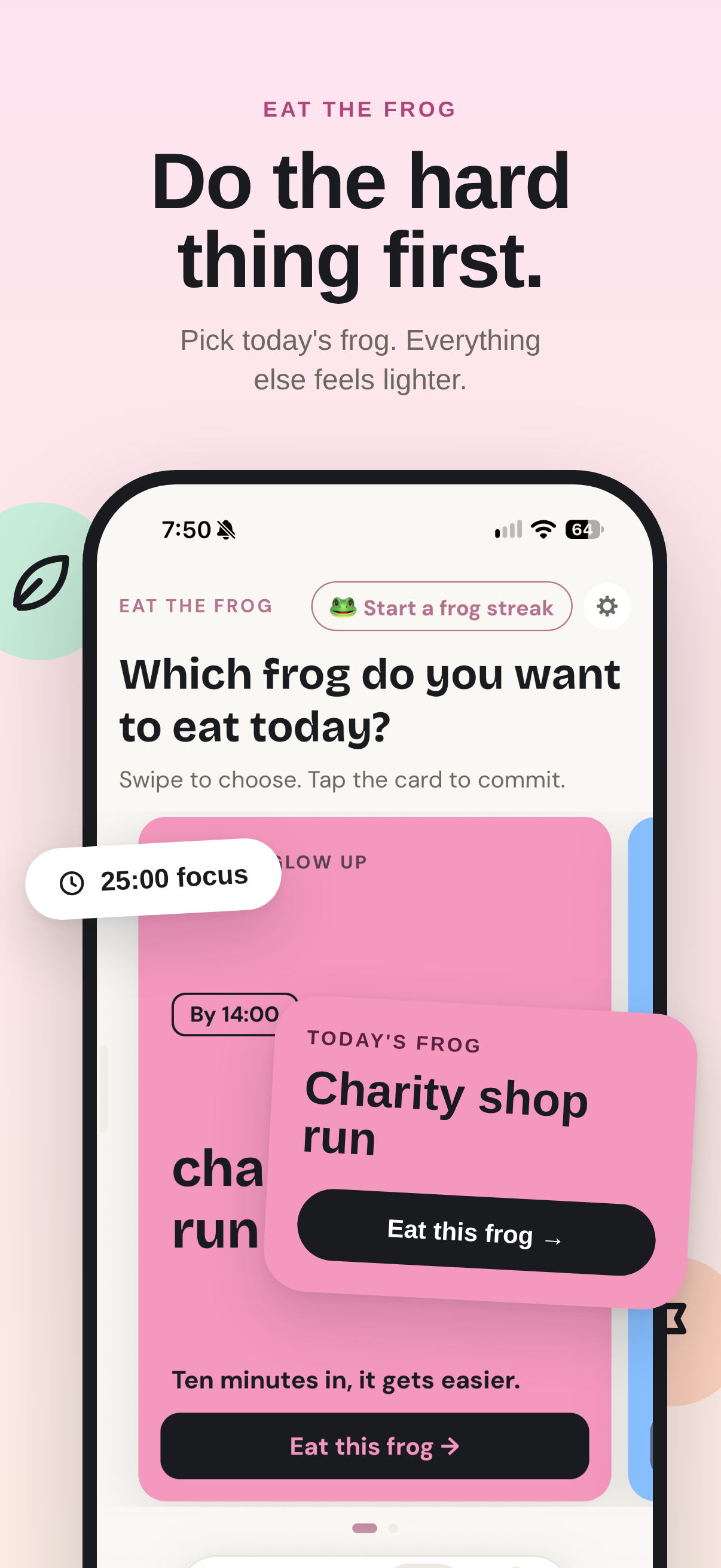
App Store screenshot, “Do the hard thing first.”: Eat the Frog asking which frog to eat today, with one large pink card for the task “Charity shop run” and an Eat this frog button

Close the day

End the day with a clear head.

Whatever's left moves to another day. No guilt, no growing list of overdue tasks.
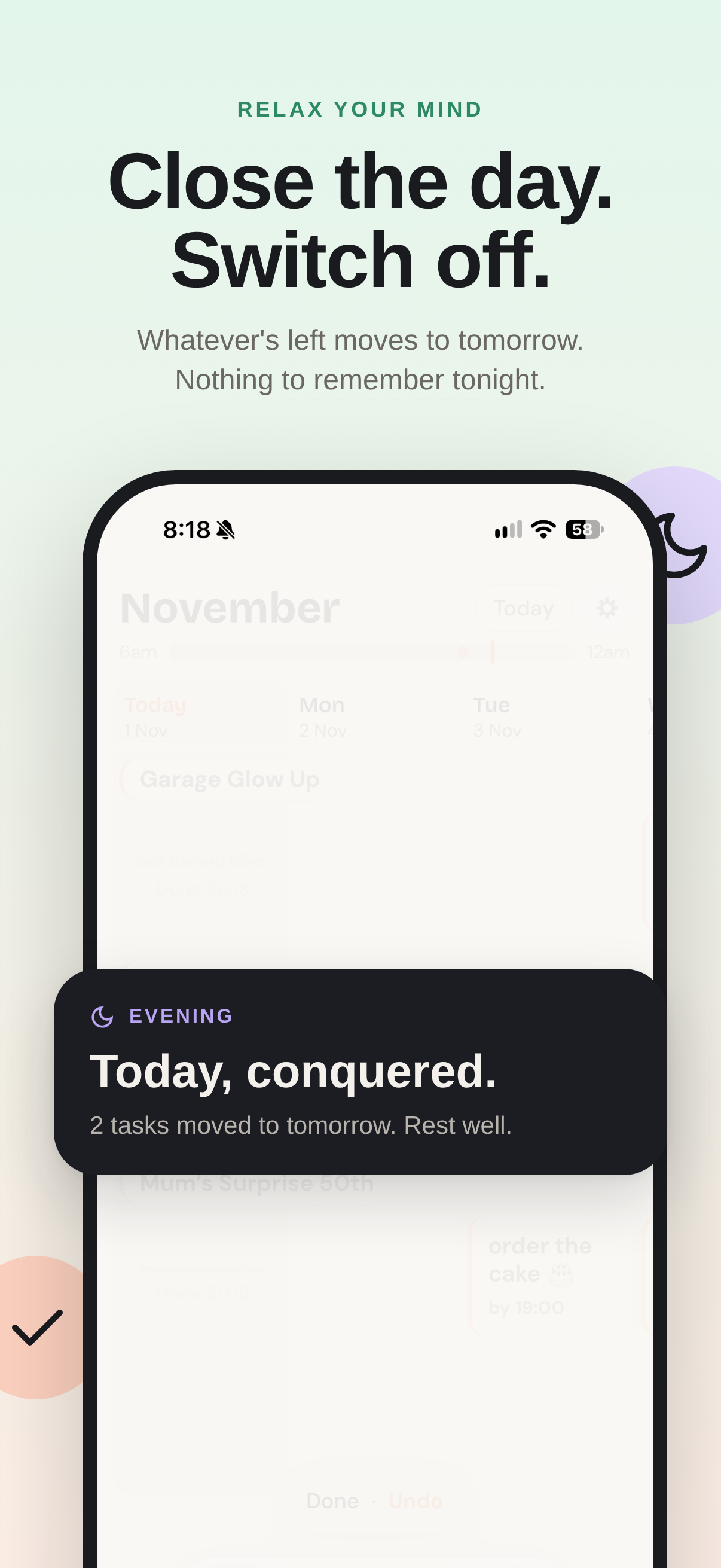
App Store screenshot, “Close the day. Switch off.”: an evening card reading “Today, conquered. 2 tasks moved to tomorrow. Rest well.”